The bitcoin tip QR code that doesn't leave tippers in the dark
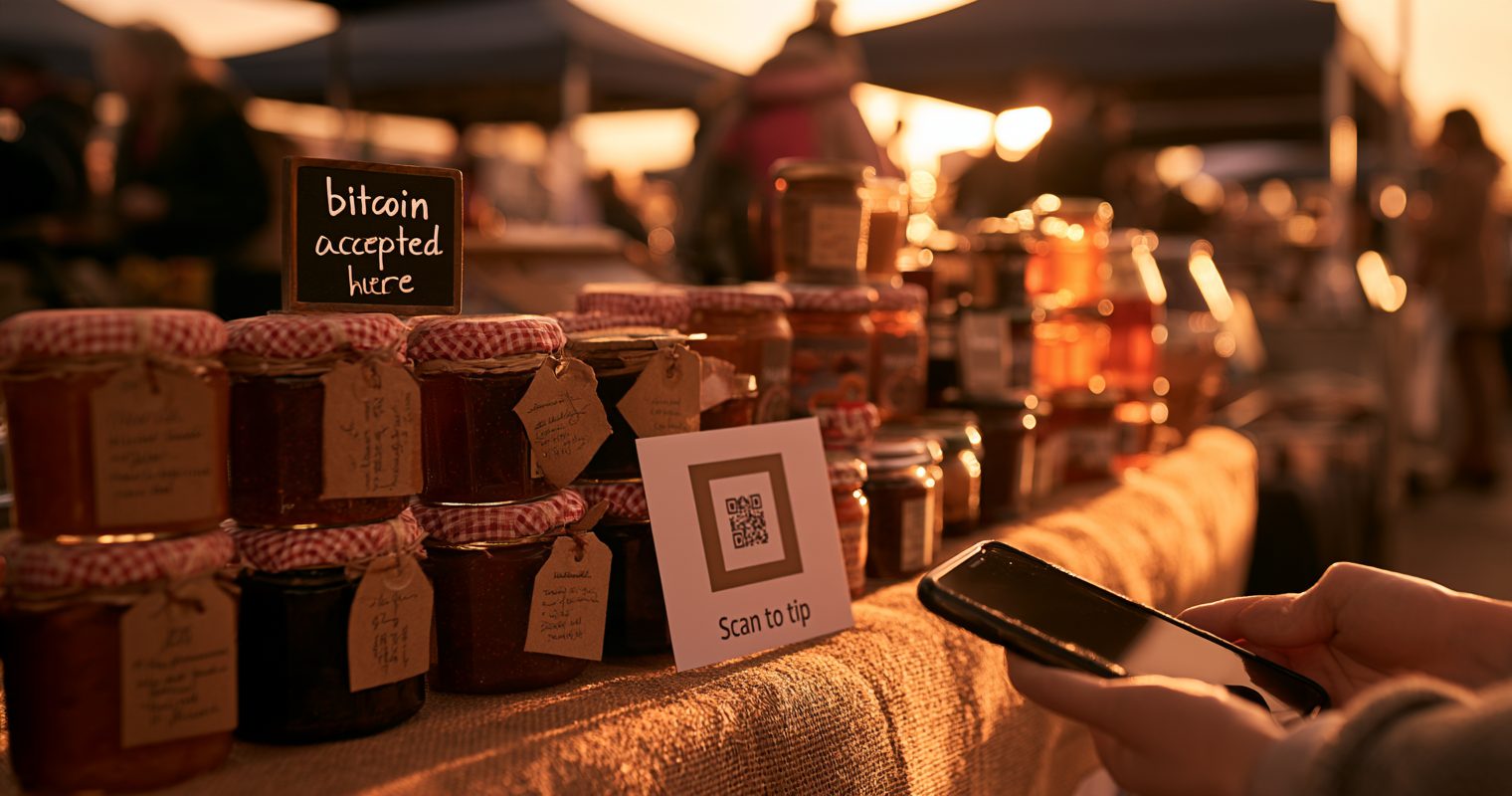
Jimble's Jumble makes artisan preserves in Northamptonshire from homegrown, wild foraged and rescued ingredients: plum, beetroot and horseradish chutney, peach jam, marmalade. The jars go out across a market table beside a "bitcoin accepted here" sign. And right under the name on the website is one line: "Tip me in bitcoin ⚡ bitcointipjar.com/jimblesjumble".
That's a link, not a Lightning address. It's the right call, and this article is about why.
Picture the stall next to it at the same market, taking tips with a laminated card: a QR code of the stallholder's Lightning address and "Bitcoin tips welcome ⚡". A customer who's curious about bitcoin points her phone's camera at it. The camera finds a long string starting with "lightning:" and has no app to open it with. She shrugs and pays her £6 in cash.
The next customer has a Lightning wallet. He opens the wallet, finds its scanner, scans the card, and gets a send screen with an empty amount box in sats. He guesses. The stallholder's phone buzzes later with a number and no name.
Both of them were left in the dark. Not because the QR code was wrong, but because of what kind it was.
Three kinds of bitcoin QR code
Every bitcoin QR code is a few lines of text drawn as squares. What matters is what the text says.
An on-chain address
Text that starts bitcoin:bc1q. It's what most free QR generators make when you search for a "bitcoin tip QR code". It never expires and works with any bitcoin wallet. For a tip, though, it's the slowest and dearest route: the tipper pays a network fee that can be more than the tip, and the payment takes ten minutes or more to confirm. You can add an amount to it, but then everyone pays that one amount.
A Lightning address or LNURL
Text like lightning:stall@wallet.com, or a long string starting LNURL1. It never expires either, and a Lightning payment lands in seconds for a fraction of a cent. This is the code most bitcoiners print. But it has two blind spots:
- It needs a wallet to make sense of it. A phone camera can't open it. Only someone who already has a Lightning wallet, and thinks to use its scanner, gets anywhere.
- It carries no amount. A Lightning address tells the wallet the smallest and largest it will take, and the tipper does the rest: an empty box, in sats, with nothing to say what's normal.
And on the other side, you see a number arrive with, usually, no name and no way to say thanks.
A Lightning invoice
Text that starts lightning:lnbc. An invoice is one payment request for one exact amount. Scan it and the wallet shows the amount ready to confirm: no typing. But an invoice can be paid once and expires, so you can't print one. It has to be made fresh, at the moment of the tip.
The code worth printing: a link that opens amounts
The way around all three is to print a QR code of an ordinary web link. Every phone camera opens a link. That's what a jar from Bitcoin Tip Jar prints on its poster: bitcointipjar.com/yourname.
Here's what the next-door stall's customers would have seen with a jar link instead:
- The curious one, with no wallet: her camera opens a page with the stall's name, "Tip with Bitcoin" and four amounts. If the stall has switched on card tips, she can tip by card instead. Either way she knows what it is.
- The one with a wallet: he taps 5,000 sats. His wallet opens with the amount already in. He confirms, and the page says Paid ✓. The stall's tip list says who it was from, if he typed his name.
On a screen, the QR becomes a live invoice
A printed code can't hold an amount, but a web page can make one on the spot. When someone opens your tip page on a laptop, a stream or a TV behind the counter, and taps an amount, the page asks your wallet for a fresh invoice for exactly that amount and shows it as a QR code. They scan it with the wallet on their phone and the amount is already filled in. That's the one kind of bitcoin QR that carries the amount and is still safe to show: it's made for this tip and nobody else's.
So the printed code opens the page, and the page makes the invoice. The tipper never sees an empty box.
Three more things a printed link gets you
- It outlives your wallet. A printed Lightning address only works while you keep that wallet. A printed link points at your page, and the page points at whichever wallet you set. Change wallets and every poster and sticker you've handed out keeps working.
- It tells people what to do. "Scan to tip" over a link that opens a page with your name on it is something anyone can follow. A bare Lightning code only speaks to people who already know.
- It takes cards too, if you want it to. Not everyone who'd tip you carries bitcoin yet. Connect your own Stripe account and the page shows "Don't have bitcoin? Pay by card" under the amounts. Card tips go straight to your Stripe account and Stripe's fee comes out of each one; bitcoin tips stay fee-free. A Lightning QR can never do that: it only speaks Lightning.
What to do
- Printing for a counter, stall or merch table: make a tip page, claim a short link, and print its poster. How to make a bitcoin tip jar takes about ten minutes.
- Already printed a Lightning address? It still works for people who have a wallet and know to scan with it. Put the tip page's QR beside it, or replace it when the card wears out.
- Showing it on a stream or a screen: use the page's link itself, not a printed code. It makes a live invoice for each tip.
- Choosing amounts: see why your bitcoin tip jar needs preset amounts. For the whole story of a plain address next to a jar, read plain Lightning or bitcoin tip jar?
Sources: the Lightning address specs LUD-06 and LUD-16; BIP 21, the bitcoin: link format; BOLT 11, the Lightning invoice format.